안드로이드 자바
[Java][Android] 안드로이드 TextView 클릭시 색깔 변경
teamnova
2022. 3. 26. 12:00
728x90
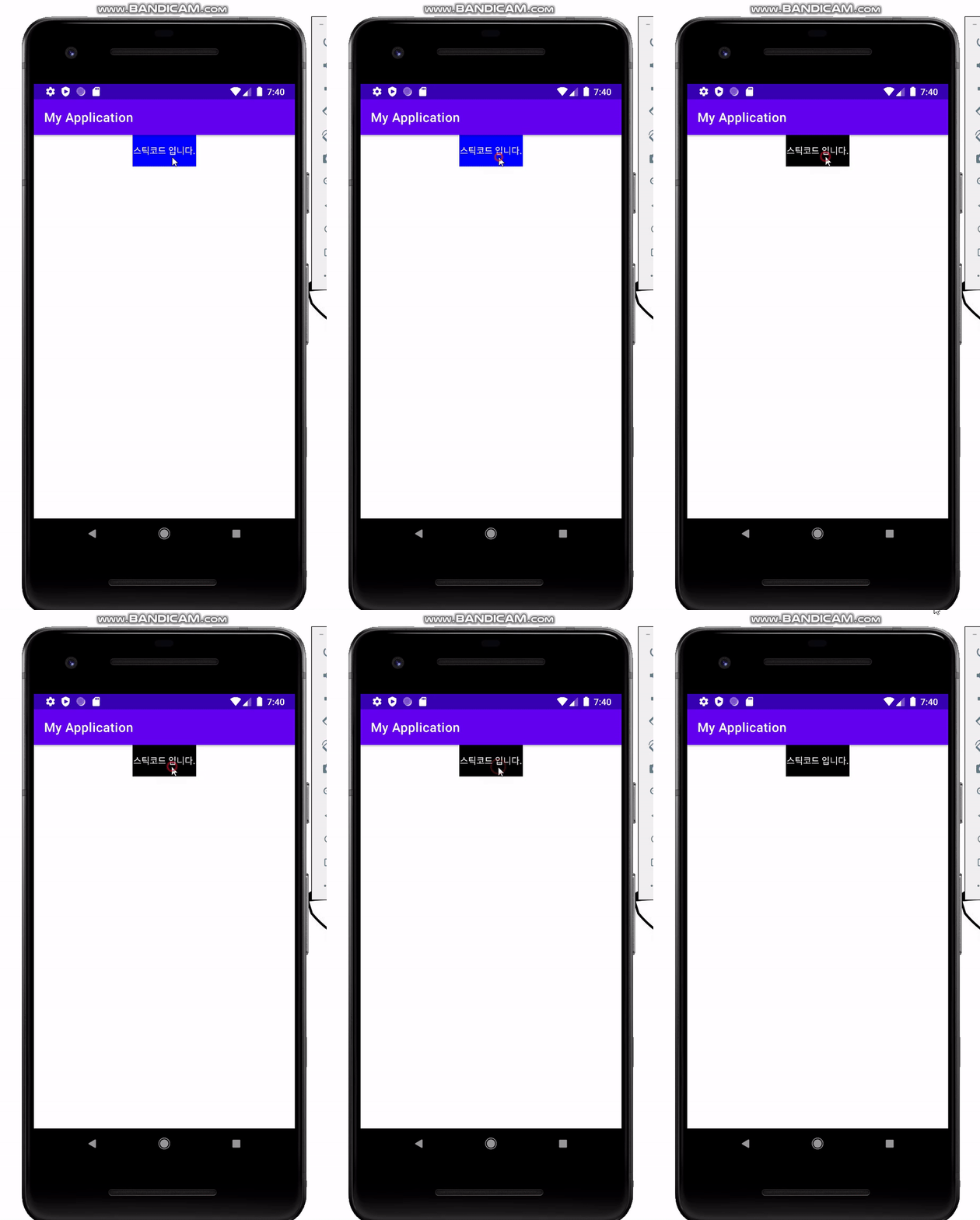
<?xml version="1.0" encoding="utf-8"?>
<ScrollView xmlns:android="http://schemas.android.com/apk/res/android"
    xmlns:app="http://schemas.android.com/apk/res-auto"
    xmlns:tools="http://schemas.android.com/tools"
    android:layout_width="match_parent"
    android:layout_height="match_parent"
    tools:context=".MainActivity">


    <LinearLayout
        android:layout_width="match_parent"
        android:layout_height="wrap_content"
        android:orientation="vertical">


        <TextView
            android:id="@+id/textView"
            android:layout_width="100dp"
            android:layout_height="50dp"
            android:layout_gravity="center"
            android:gravity="center"
            android:text="스틱코드 입니다."
            android:textColor="@color/white"
            android:background="@color/black"/>


    </LinearLayout>


</ScrollView>
public class MainActivity extends AppCompatActivity {
private TextView textView;
private Boolean isBlack;
@Override
protected void onCreate(Bundle savedInstanceState) {
super.onCreate(savedInstanceState);
setContentView(R.layout.activity_main);
textView = findViewById(R.id.textView);
isBlack = true;
textView.setOnClickListener(new View.OnClickListener() {
@Override
public void onClick(View v) {
if(isBlack) {
textView.setBackgroundColor(BLUE);
isBlack = false;
}else{
textView.setBackgroundColor(BLACK);
isBlack = true;
}
}
});
}
}전체 코드입니다.